What's new
Built with walkers. Getting better all the time.
Every change starts with a walker's day. Here's what's new, and what it changes for you.

-
The walk-finished message waits for the report card
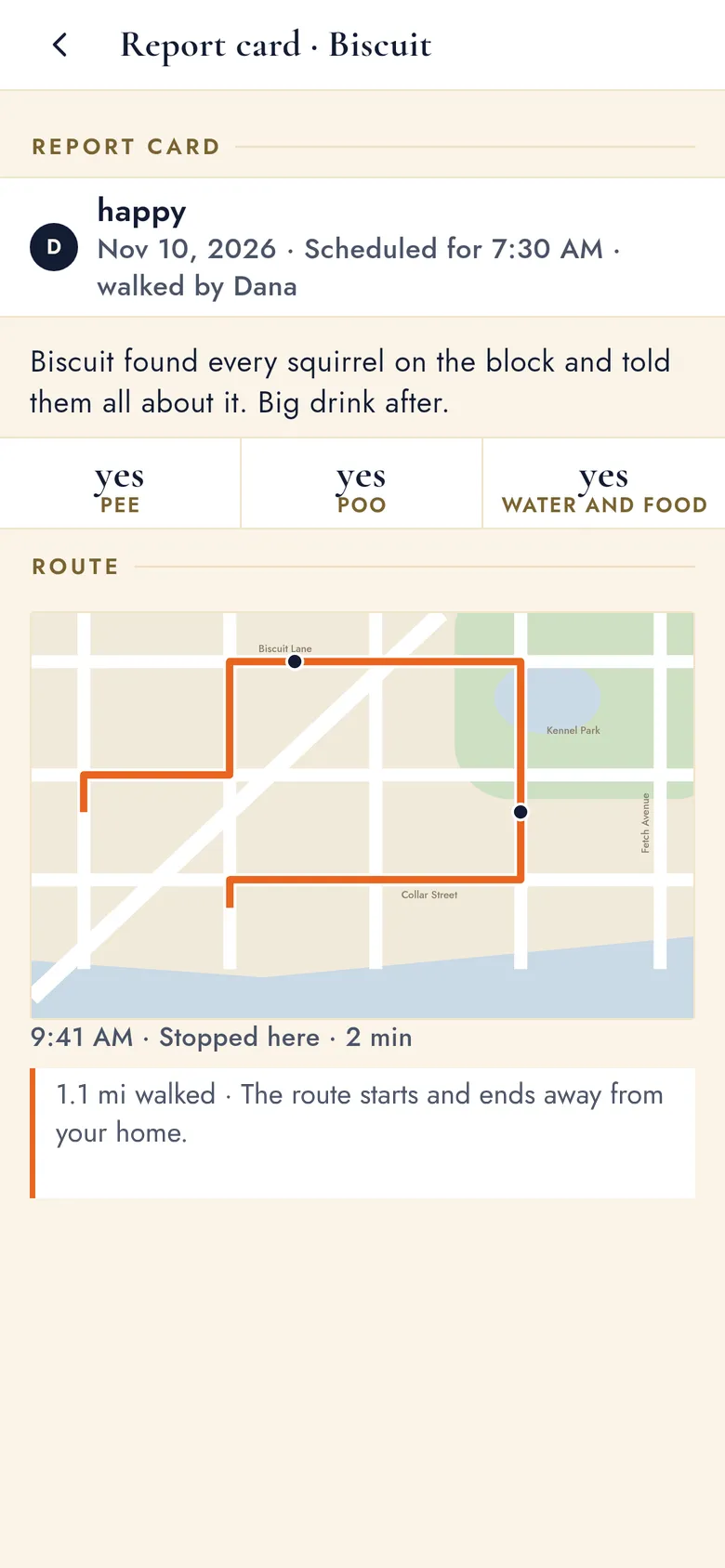
Clients hear about a finished walk with the report card, not before it.
When a walk ends, the message to the client waits until the report card is sent.
-
“We got your text” never talks over your answer
A client who texted gets a quick “we got it” only if you haven't answered yet.
If you have not answered a client's text within 5 minutes, they get one short text so they know it arrived. It never follows an answer.
-
Text cards close once they're done
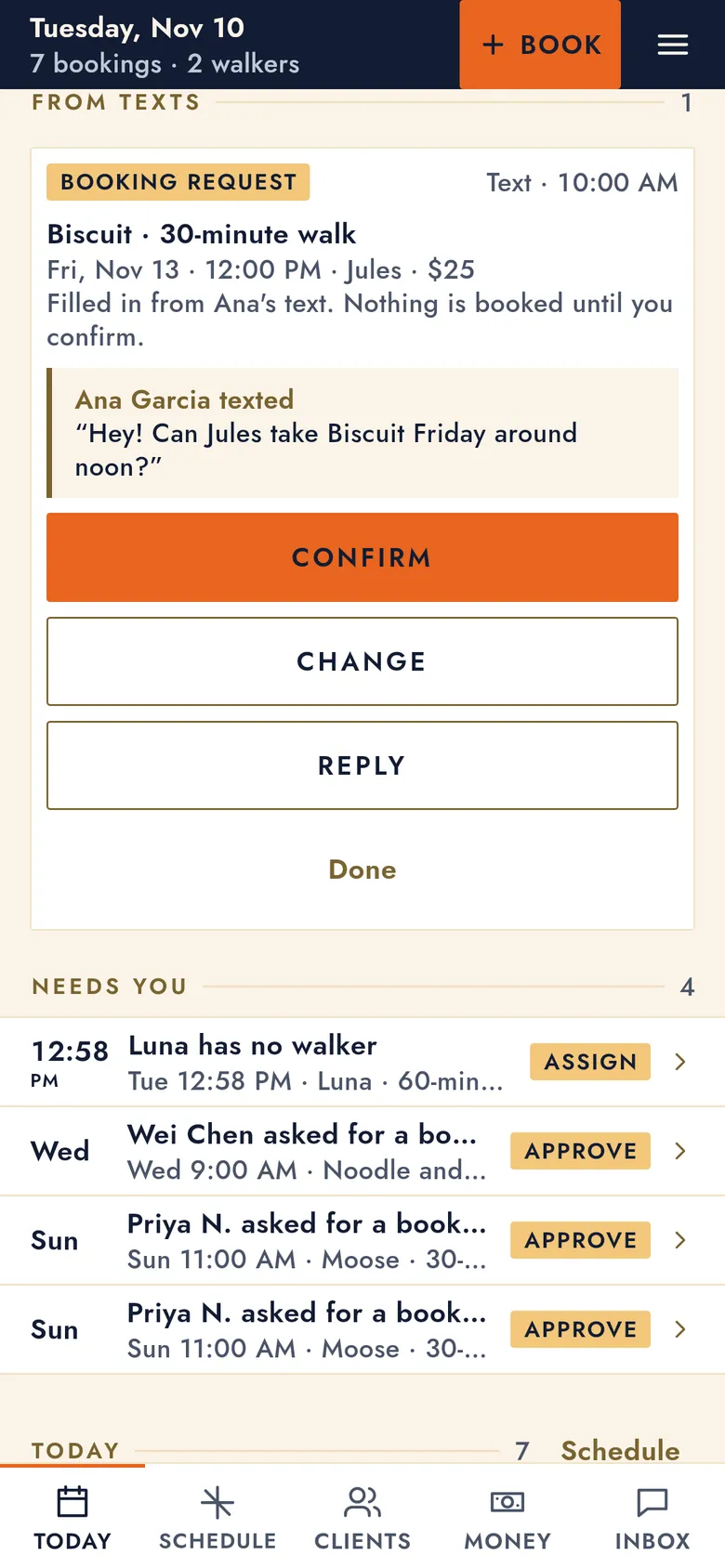
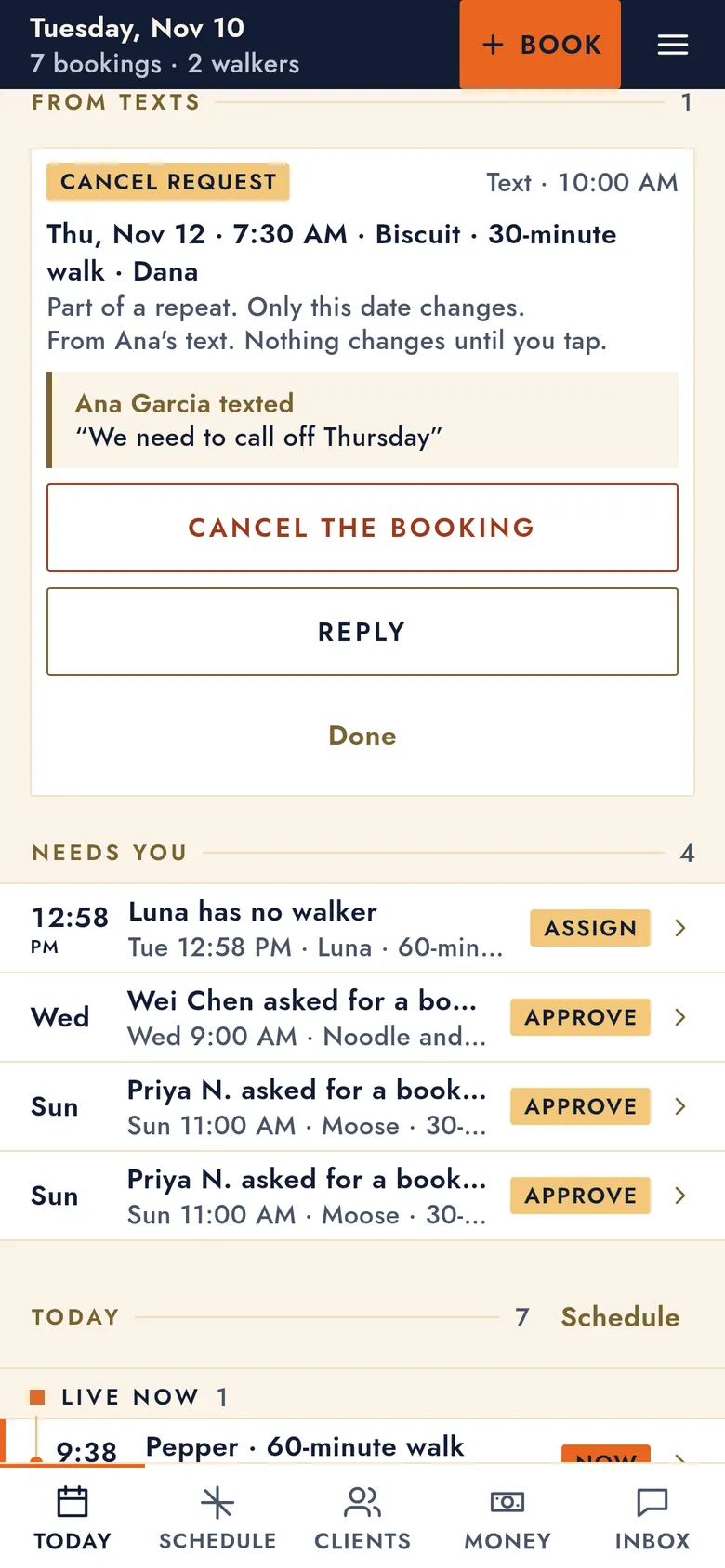
Today shows what still needs you, not what you already handled.
Once you act on a text card, it closes.
-
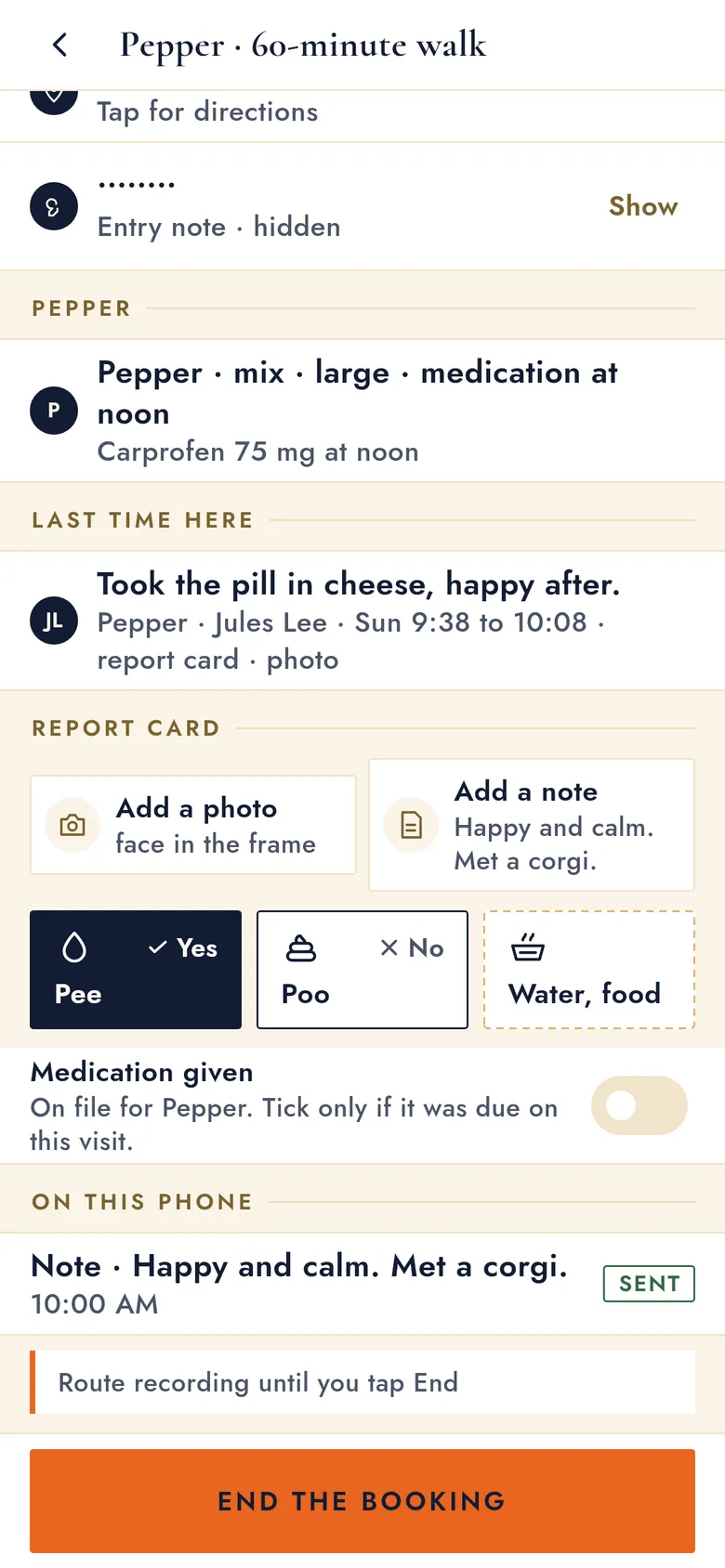
A finished walk shows what happened
Walkers see what they sent for a walk, even after it ends.
A walker's finished walk shows the report card they sent, with its photo and note.
-
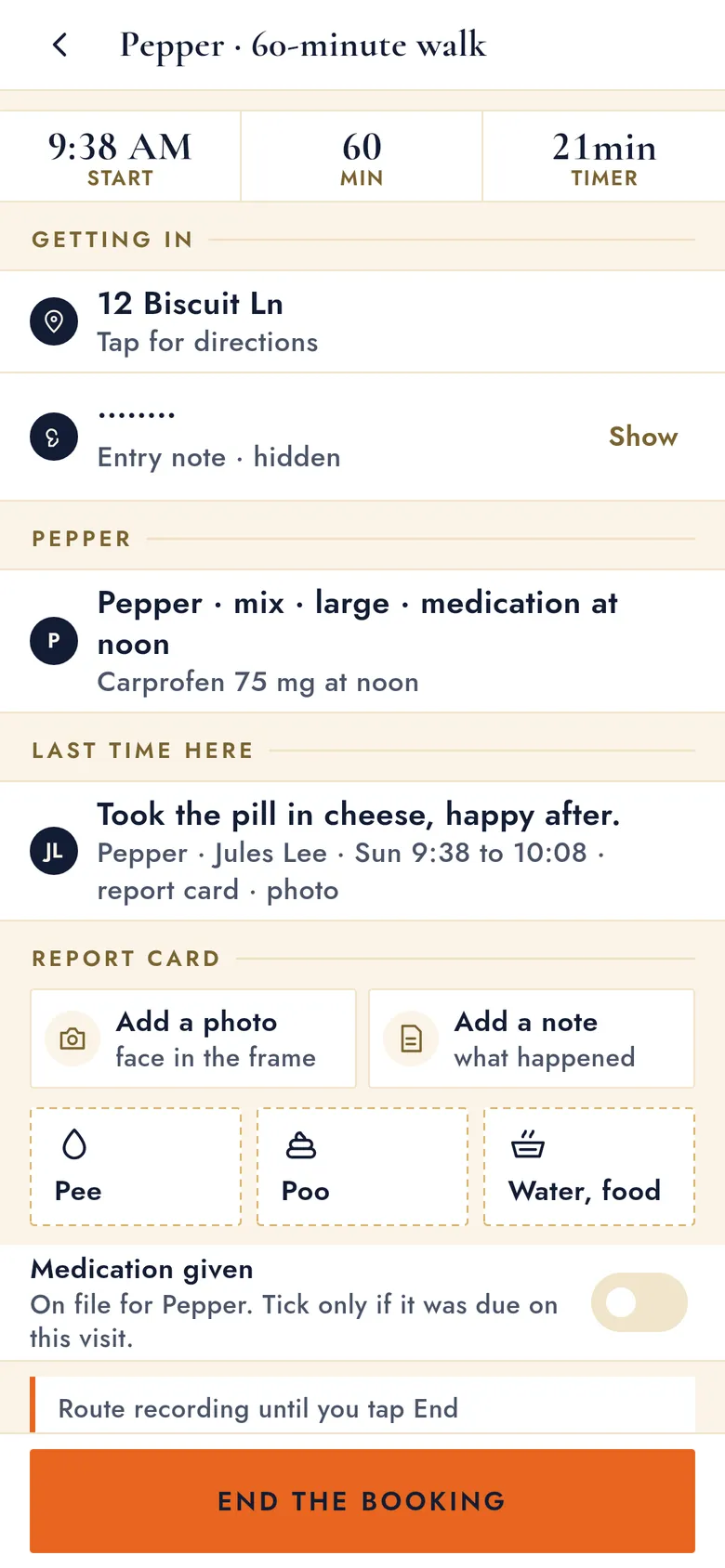
Running late only shows before the walk starts
Walkers don't see “Running late” on a walk that is already under way.
“Running late” appears only for the next walk, before it starts.
-
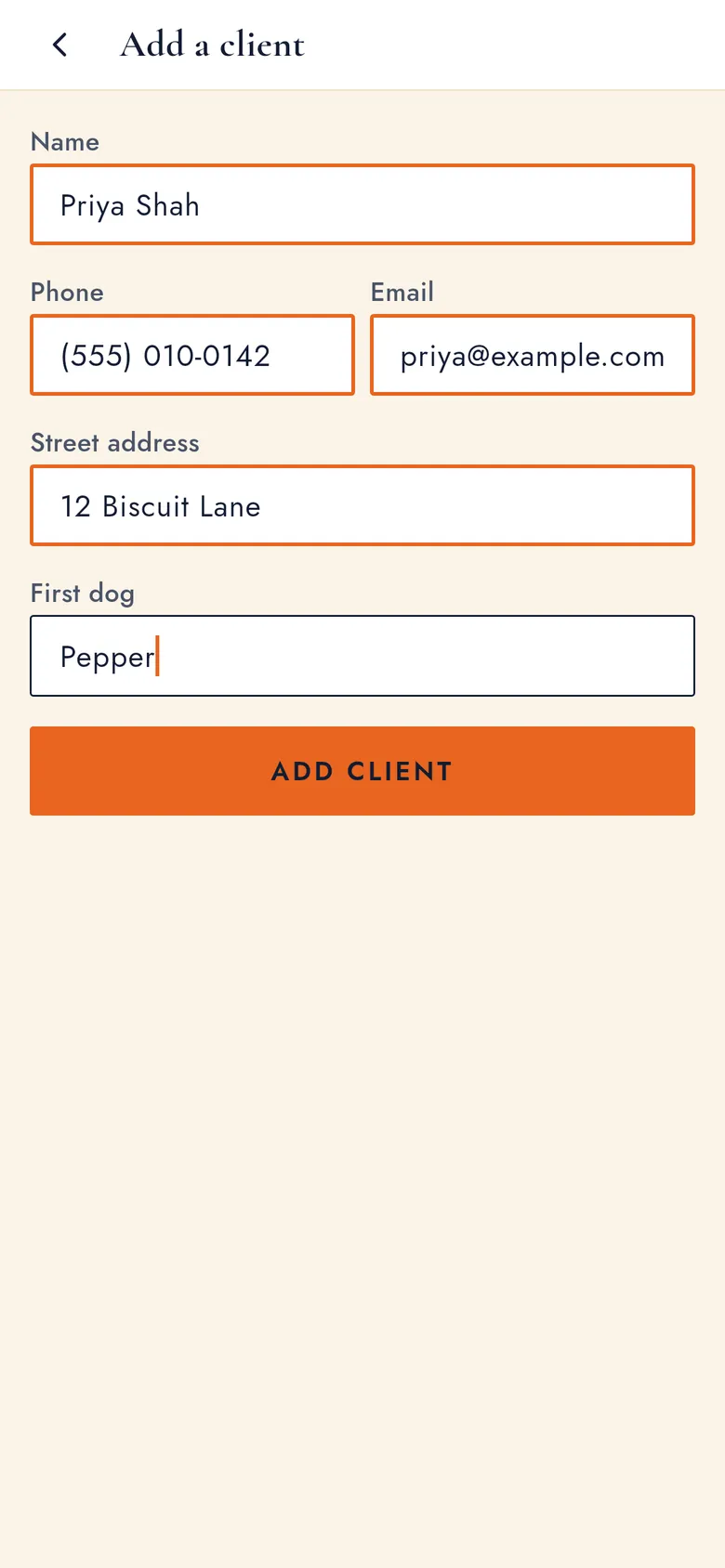
Add client tells you what's missing
You find out right away why a client can't be saved.
If a client has no phone or email, Add client says “Add an email or a phone number” before you save.
-
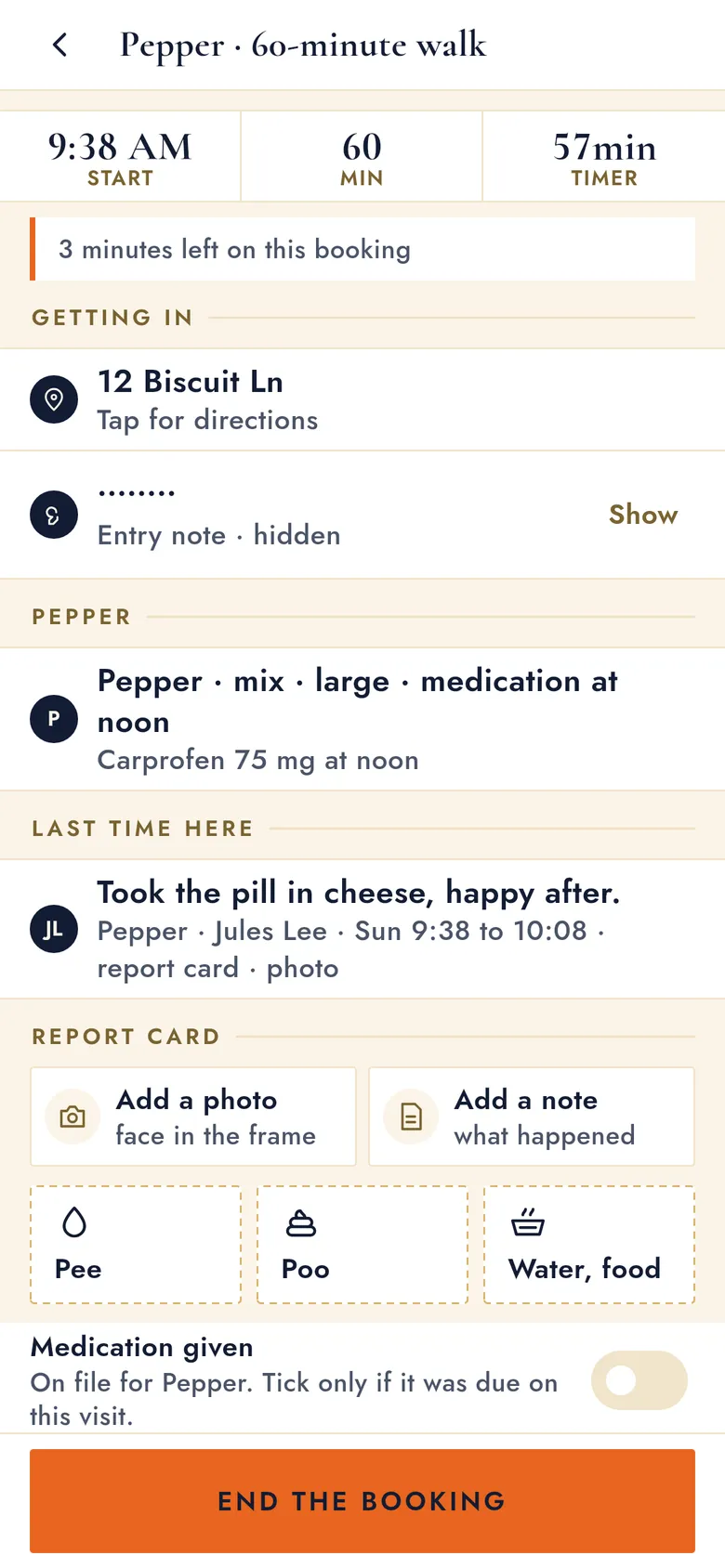
Ending a walk offers Send report or Skip the report
Every walk ends with a choice about its report card.
When you end a walk, you can send the report or skip it.
-
Client and walker screens read well on a wide screen
Opening the app in your browser doesn't stretch a phone screen across the whole width.
On a computer, client and walker screens keep a comfortable reading width.
-
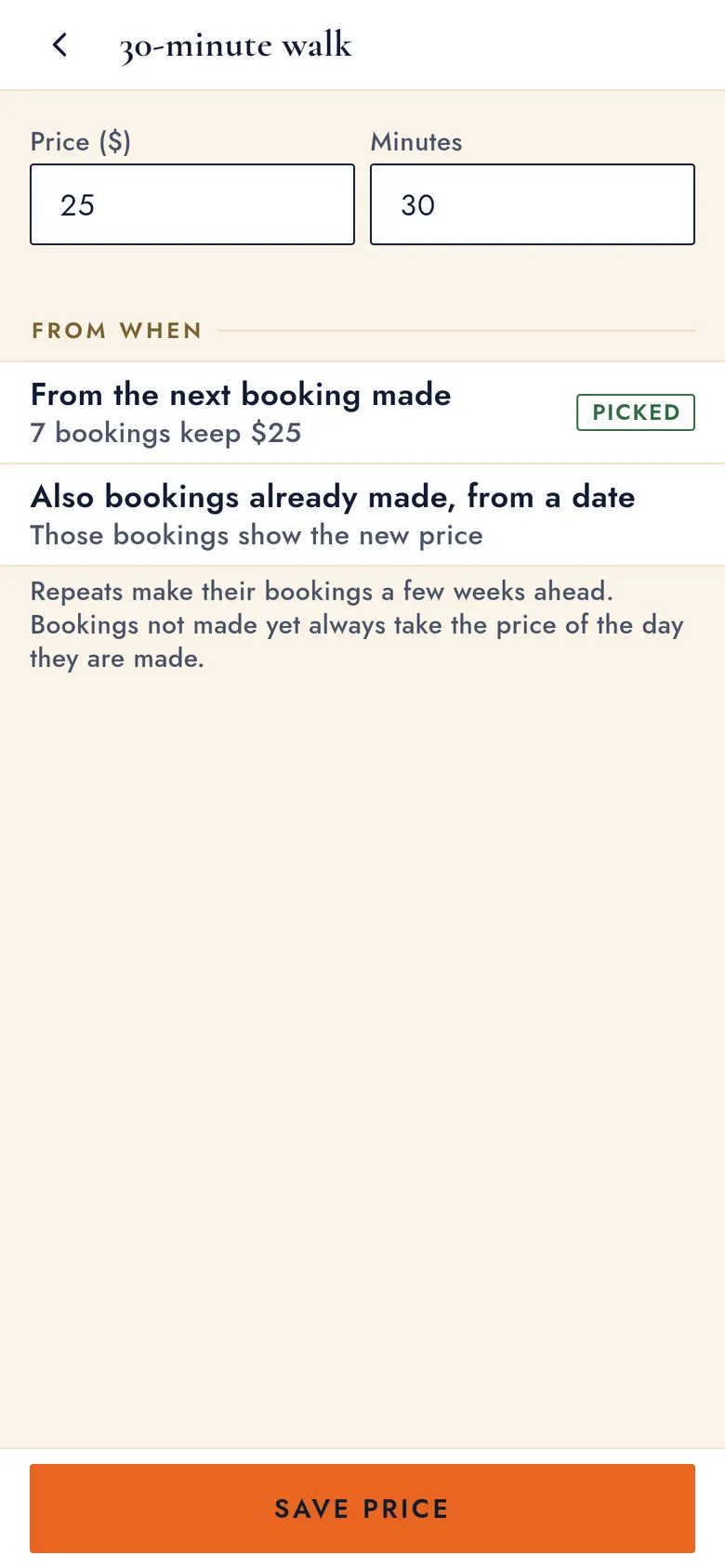
Change a price, your site follows
Your website never shows yesterday's price.
You can change a service's price in the app, tap Save, and your website shows the new price in about a minute.

-
Sign in with any authenticator app
Your account stays locked to you, with the app you already use.
You can use any authenticator app for the second step when you sign in.