Bills that try to pay themselves.
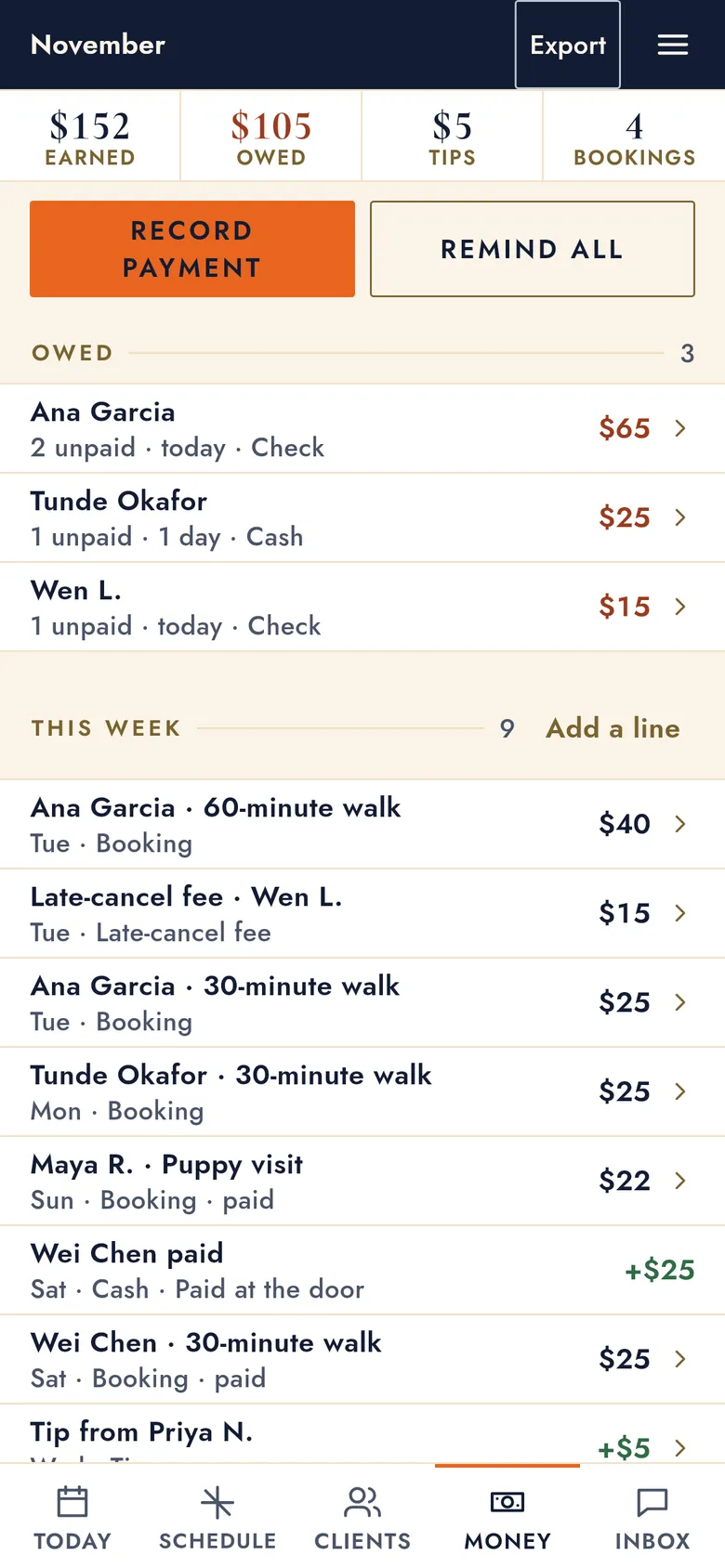
When a client chooses auto-pay, the app tries their saved card for each bill. You see every payment in Money, and a card that is declined shows up as an alert so you can follow up.

- Less chasingNo reminder to send when the card goes through, and a declined card tells you right away.
- Clients decideNobody is put on auto-pay without choosing it.
- All in MoneyEvery payment where you already look.
How it works
Your client’s side
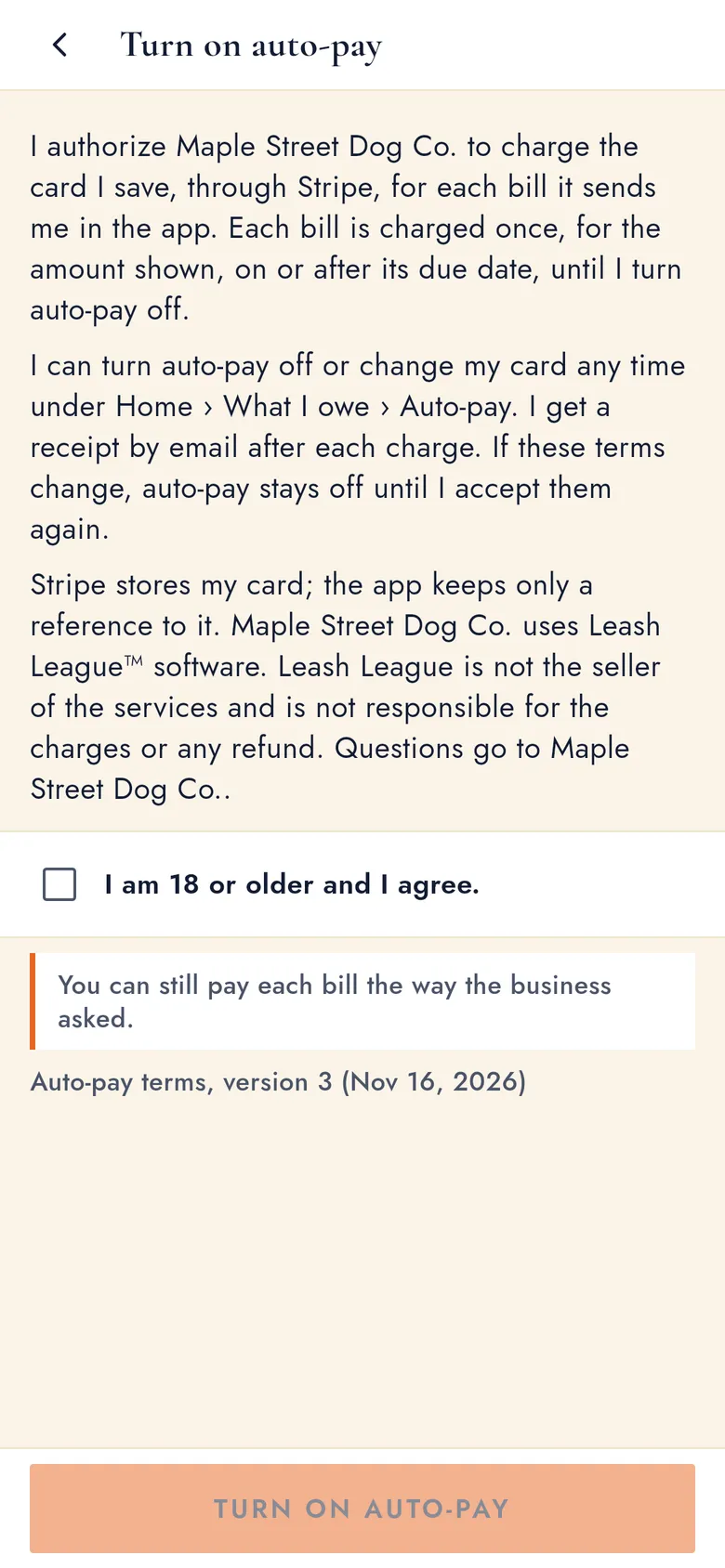
The client chooses it.
Auto-pay is the client's choice.
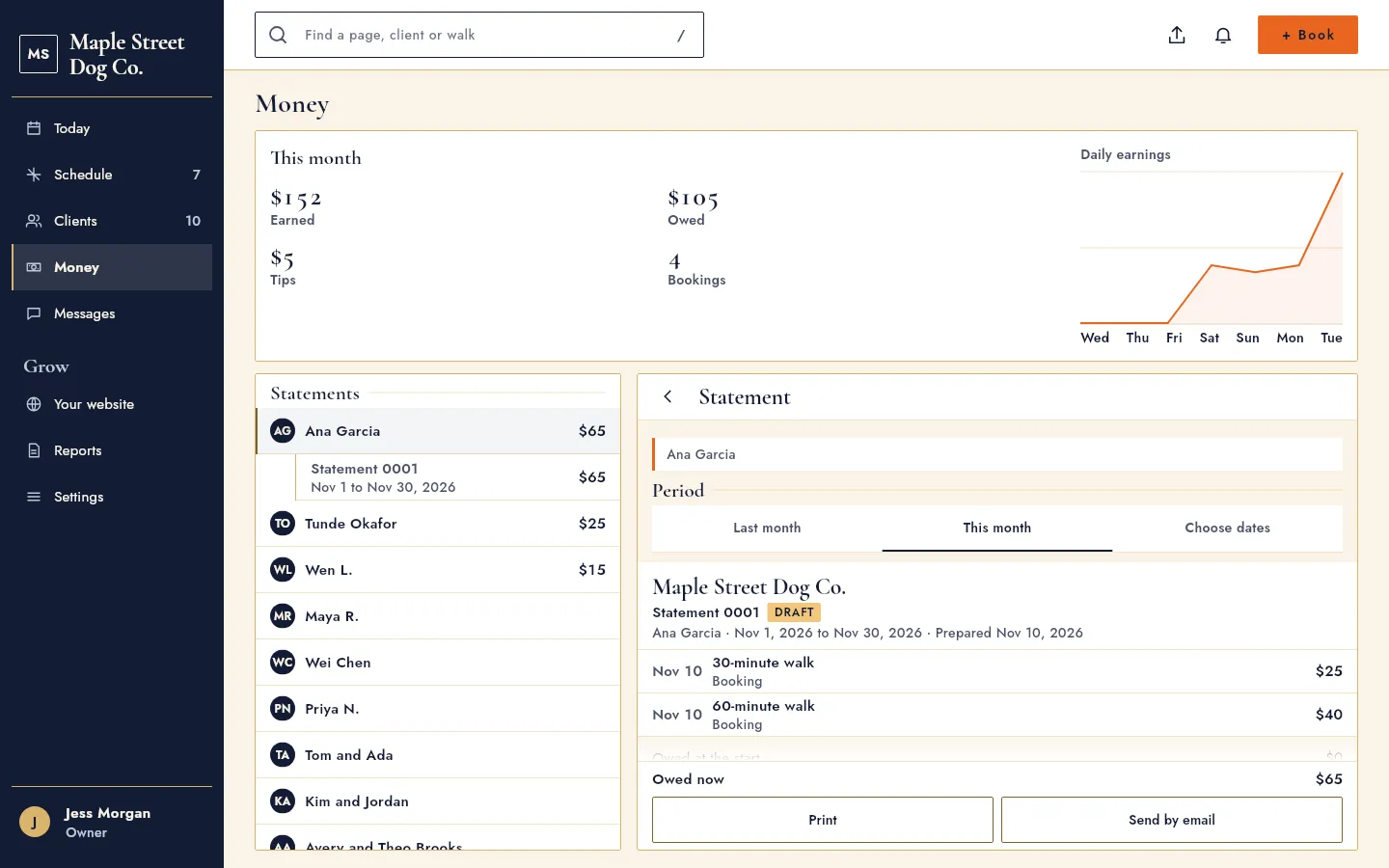
Every payment, on the big screen.
Auto-pay in your browser too, the same business you carry on your phone. Nothing to download.
Questions
- Can a client turn auto-pay off?
- Yes, any time.
- Do you take a cut?
- No. We take no cut of your payments. Read more about this question
- When can I use it?
- Set up Stripe and enable card payments and auto-pay for the business. Clients choose whether to enroll.
Works withBills and paymentsMonthly summary
Next featureQuickBooksYour payments, in QuickBooks too.Every dog makes the team.
Give Leash League a spot on yours. We’ll earn it.
Built from the ground up to be easy for you and every client.
Join the waitlist