FEATURES · RUN THE DAY
03Part of Get rememberedSee the whole story
Every walk, from the door to the report card.
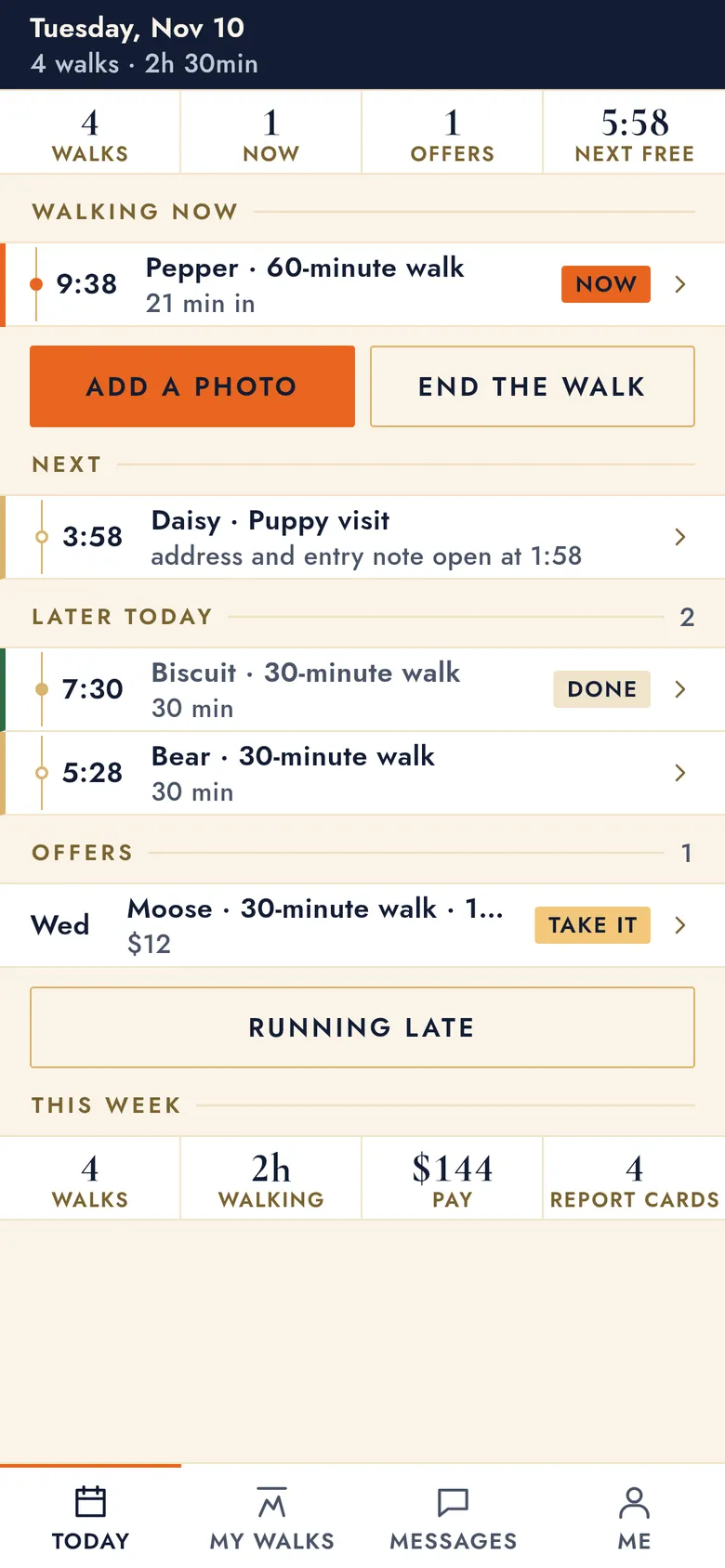
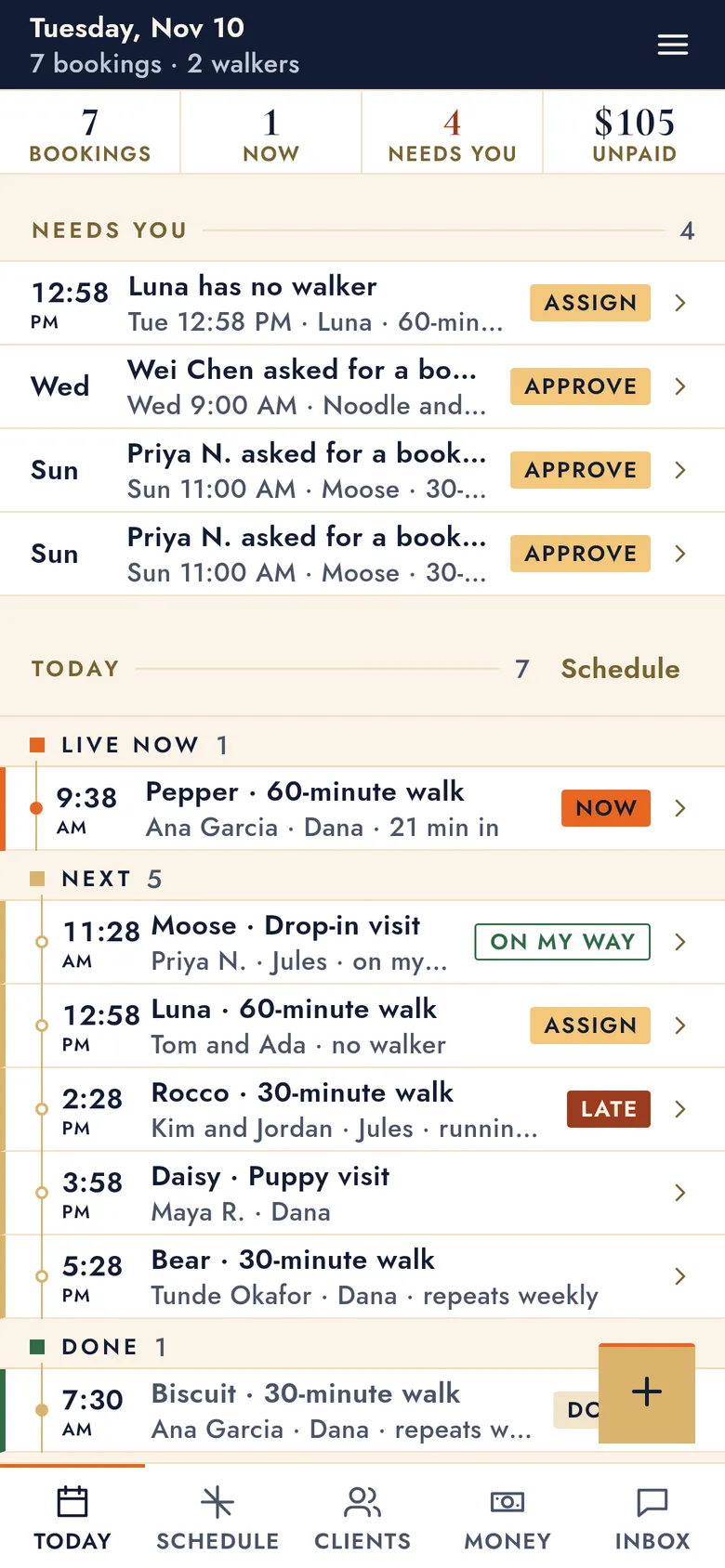
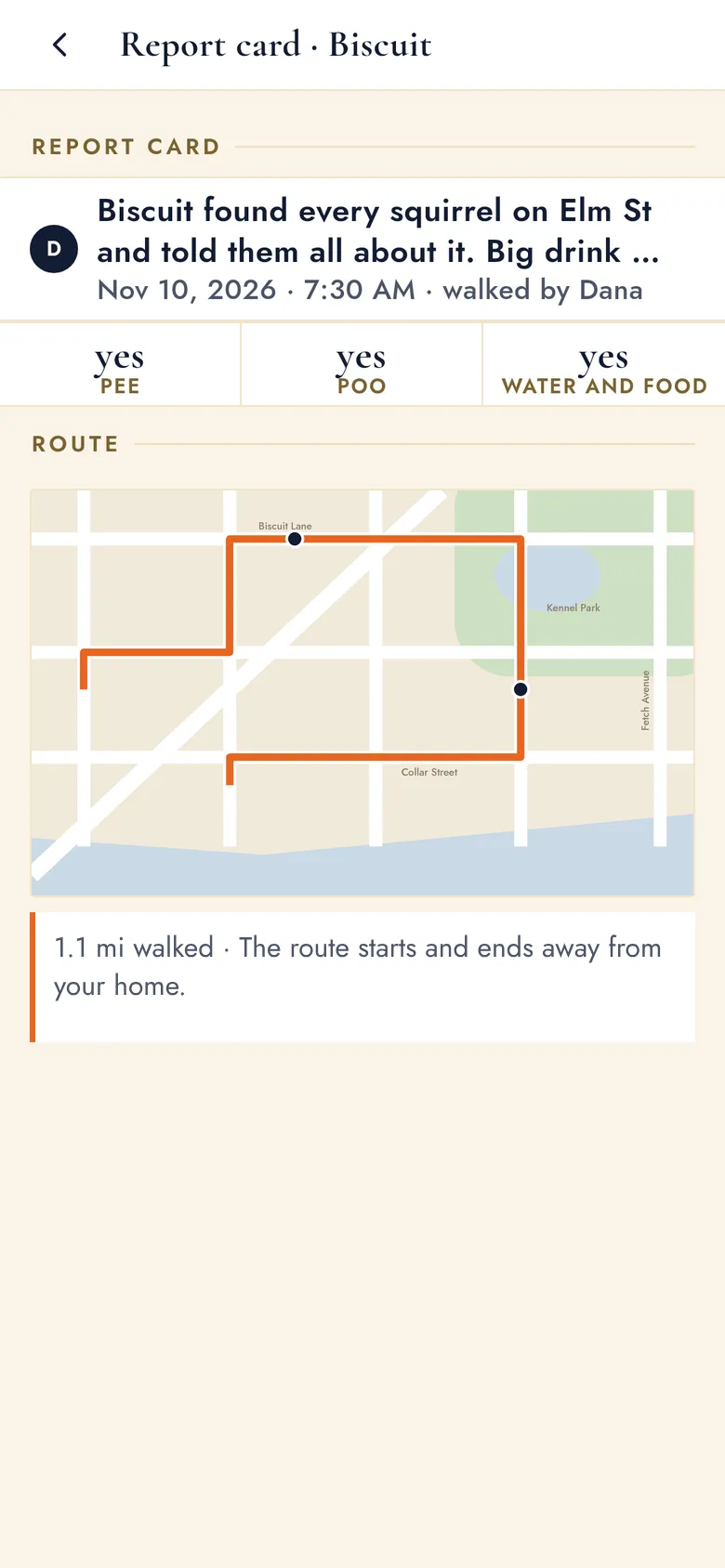
Your walker starts the walk on the phone, you watch the day from Today, and your client gets a report card with the real times, plus a photo and a note when the walker adds them, once the walk ends.
- WALKERToday › Start the walk
- OWNERToday › Live now
- DOG OWNERHome › Last report card
WALKEROWNERDOG OWNER
FOR WALKERS · 1 OF 7
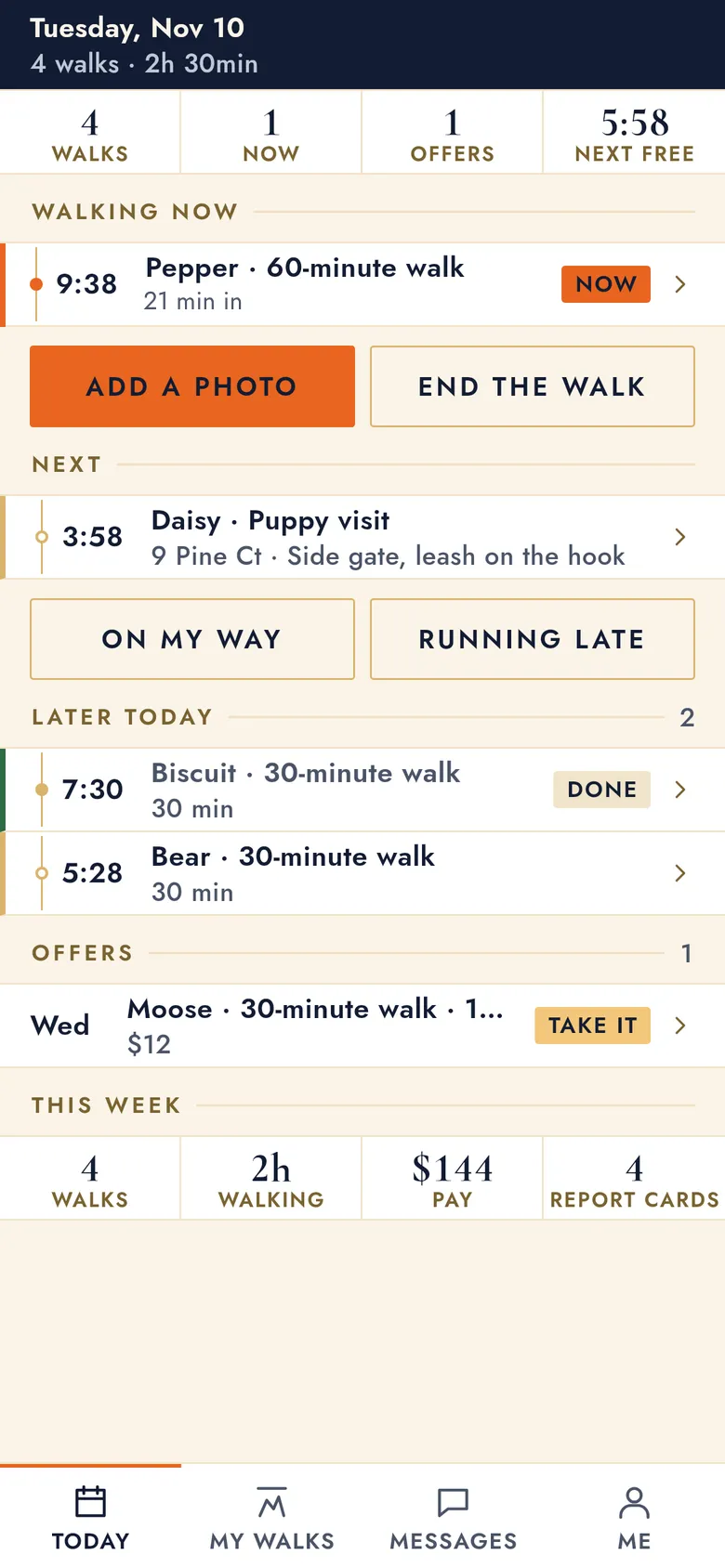
On my way, or running late
Before the walk, the walker taps On my way or Running late. Your client is told the way they chose, and you see it on Today.
IN THE APPToday › On my way
FOR WALKERS · 2 OF 7
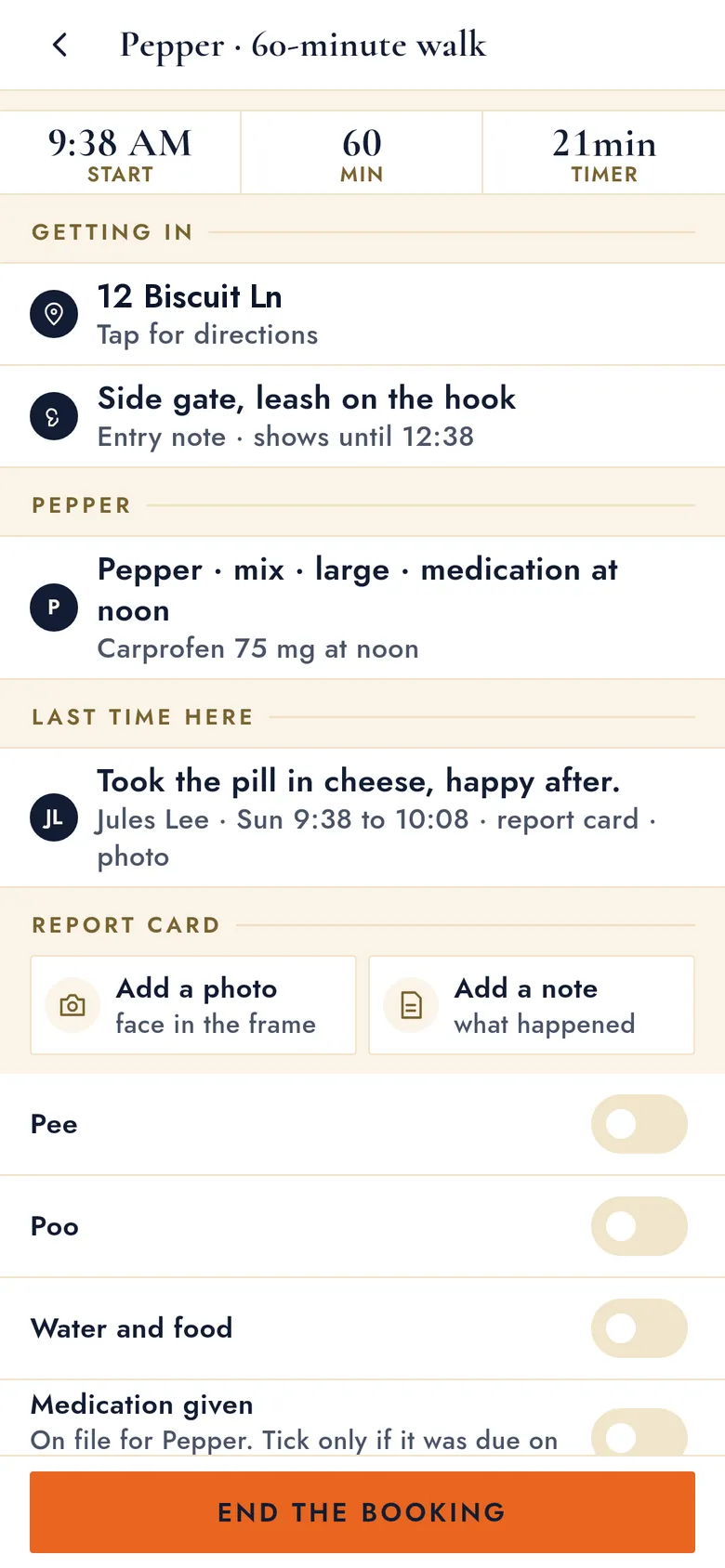
Start the walk at the door
One tap on Start the walk. The walk screen holds the address, the entry note, the dog's medication and how the last walk went. The address and entry note open only around the walk.
IN THE APPToday › Start the walk
FOR WALKERS · 3 OF 7
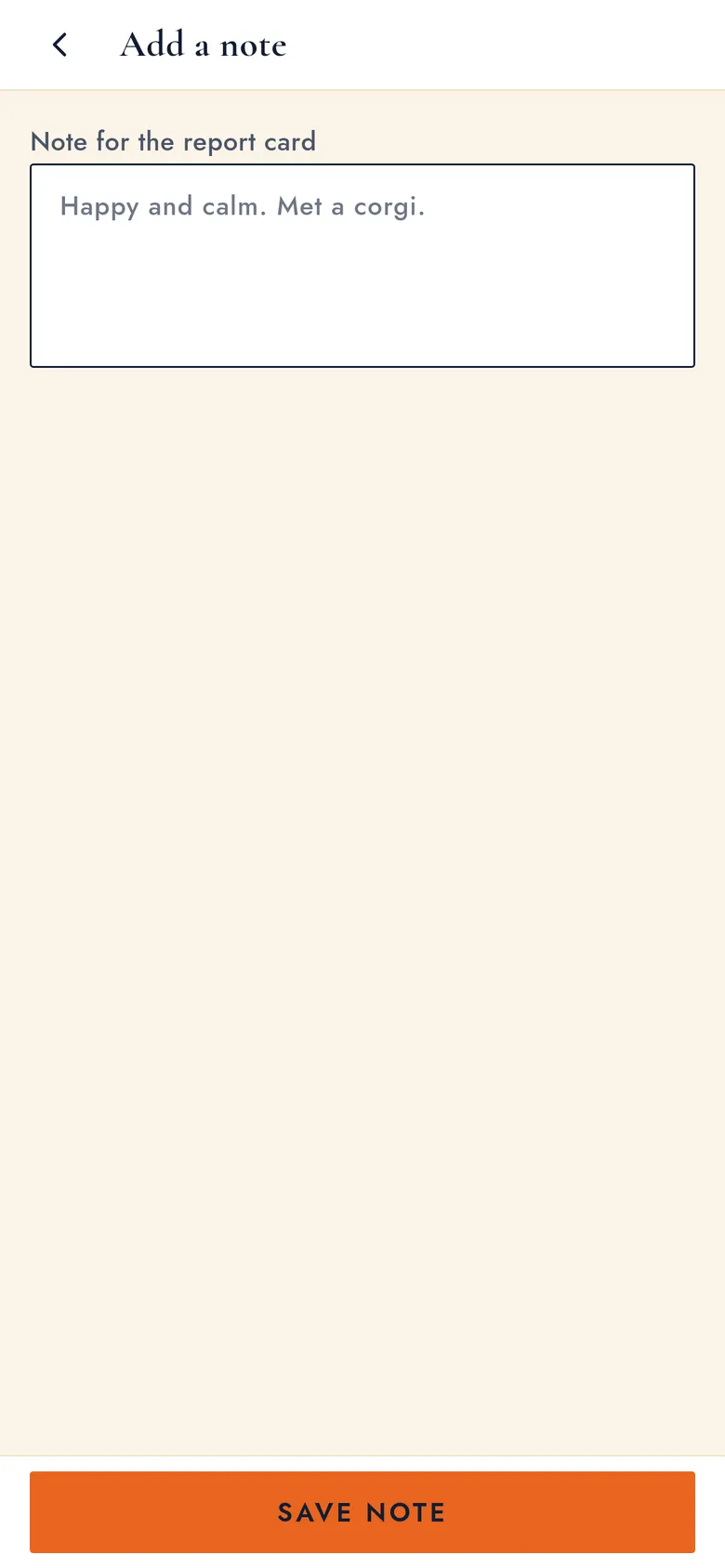
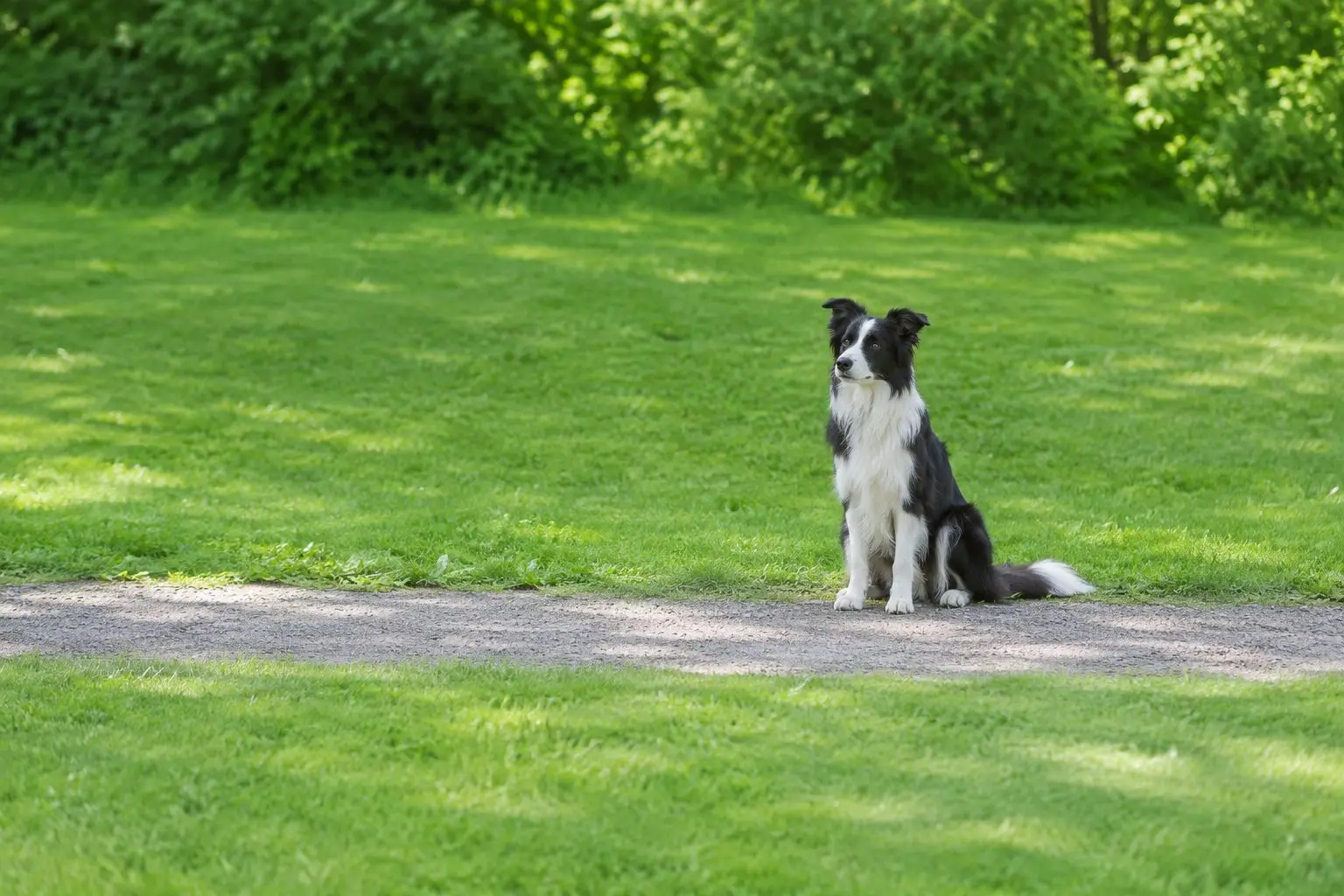
A photo, a note and the marks
Add a photo and a note for the report card, and tick Pee, Poo, and Water and food. End the walk and the report card is on its way.
IN THE APPToday › the walk › Add a note
FOR THE OWNER · 4 OF 7
Watch the day from Today
Live now shows every walk in progress, who is on the way and who is late. If a walk is 15 minutes past its start and nobody checked in, you get an alert.
IN THE APPToday › Live now
FOR THE OWNER · 5 OF 7
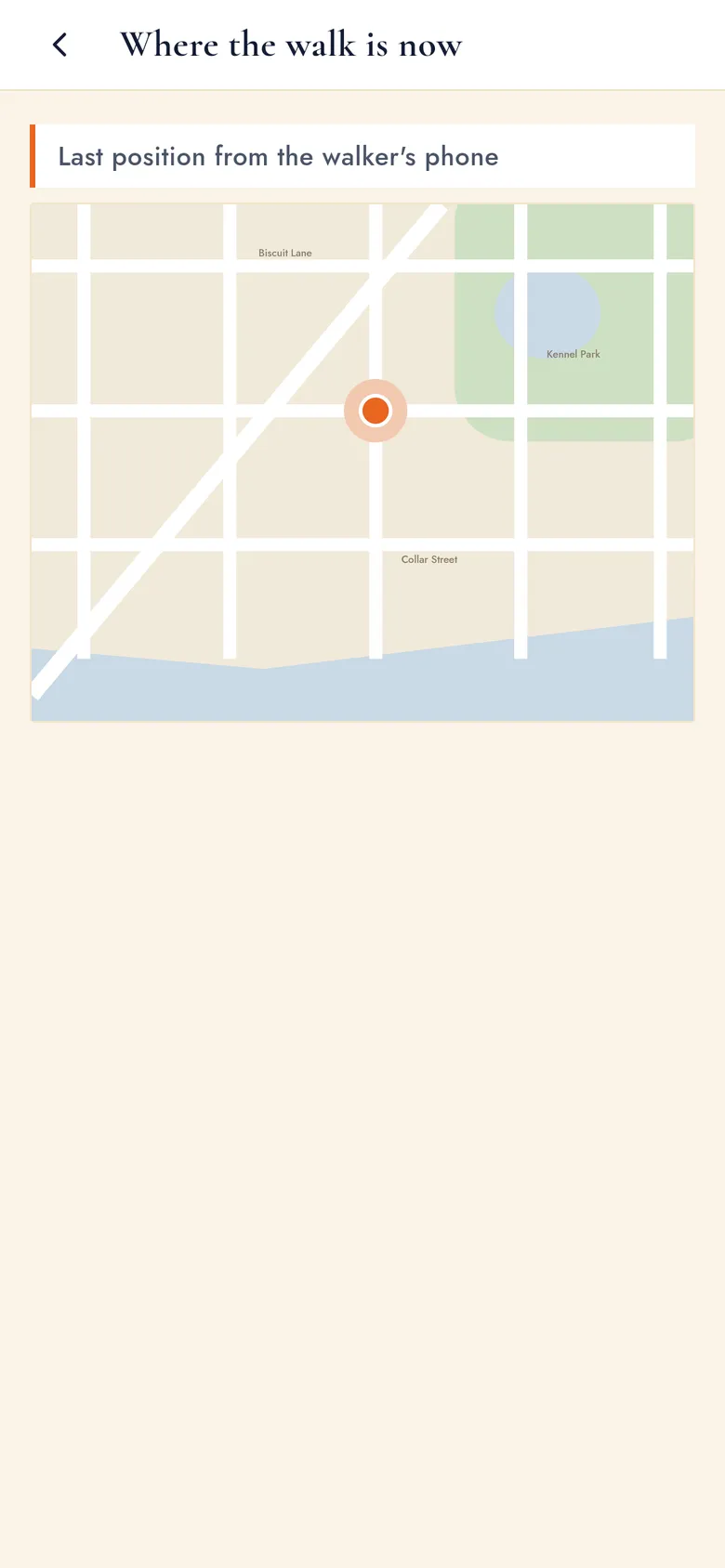
See where the walk is
You see the walker's latest position during the walk and the route afterwards.
IN THE APPToday › the walk › Show on the map
FOR DOG OWNERS · 6 OF 7
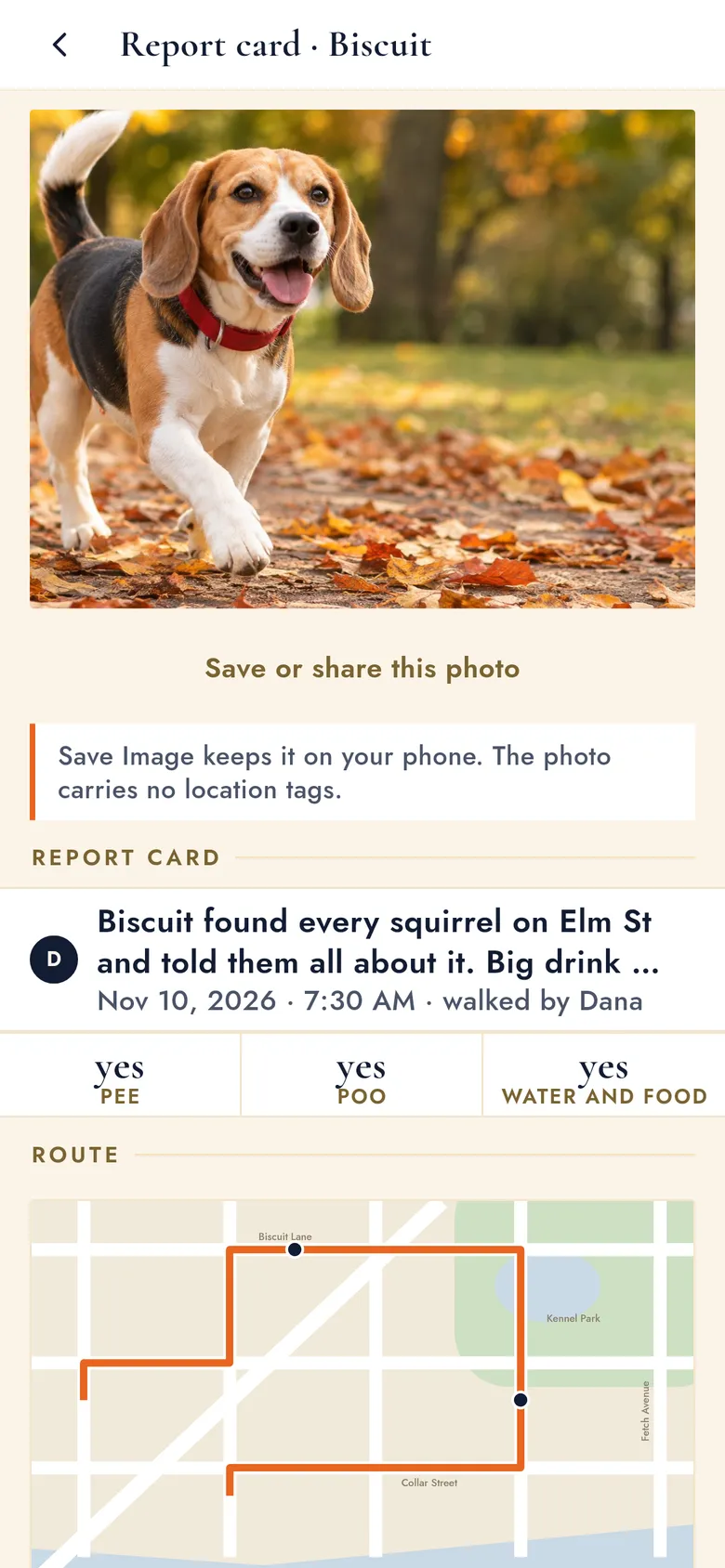
The report card arrives
Your client gets the note, the times the walk really started and ended, Pee, Poo, Water and food, and the route. The map leaves out the first and last stretch of the walk, so it does not show where the walk started or ended.
IN THE APPHome › Last report card
FOR DOG OWNERS · 7 OF 7
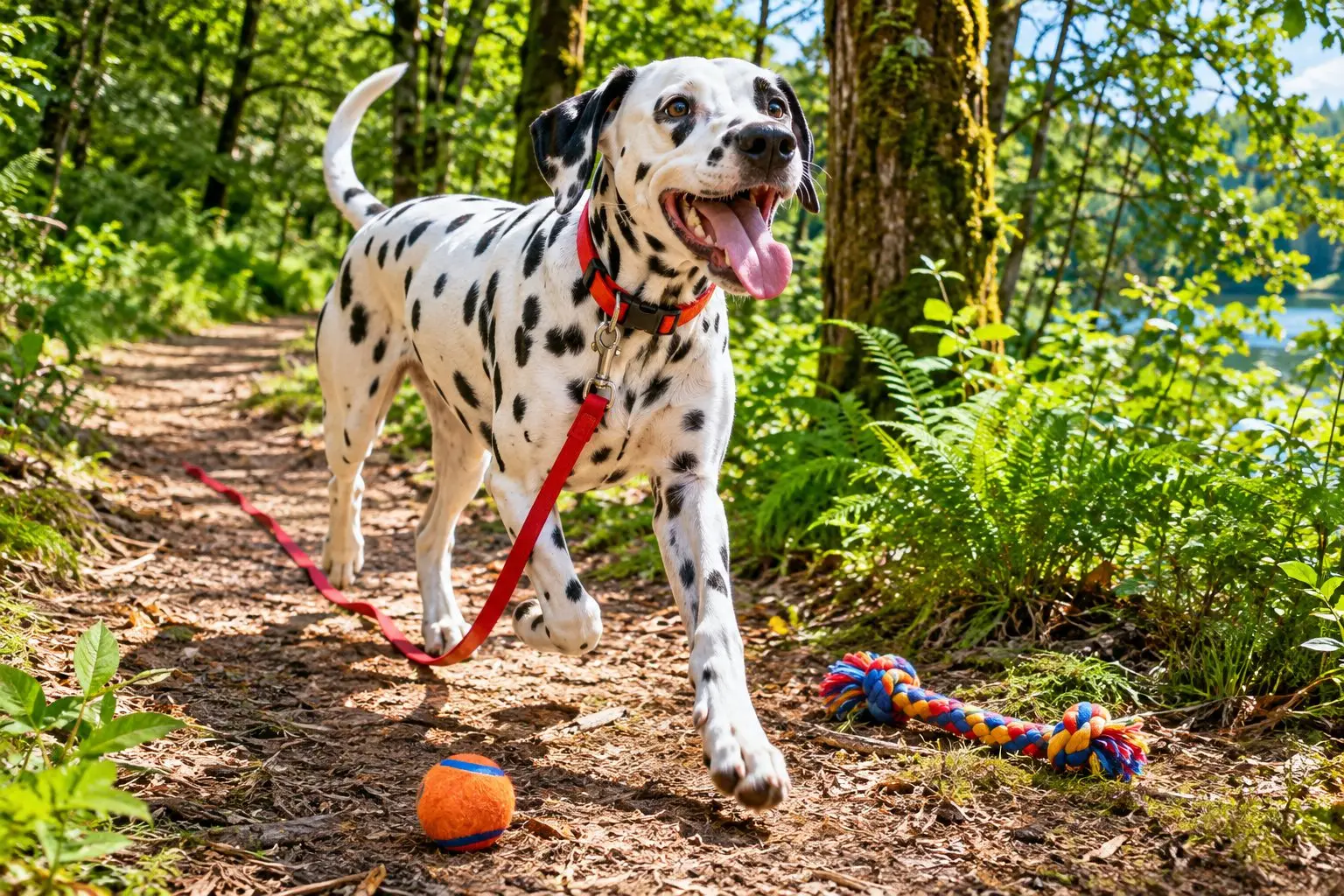
Keep the photo
The walk photo opens full size, and Save or share this photo keeps it on their phone without any location tags.
IN THE APPHome › the report card › the photo

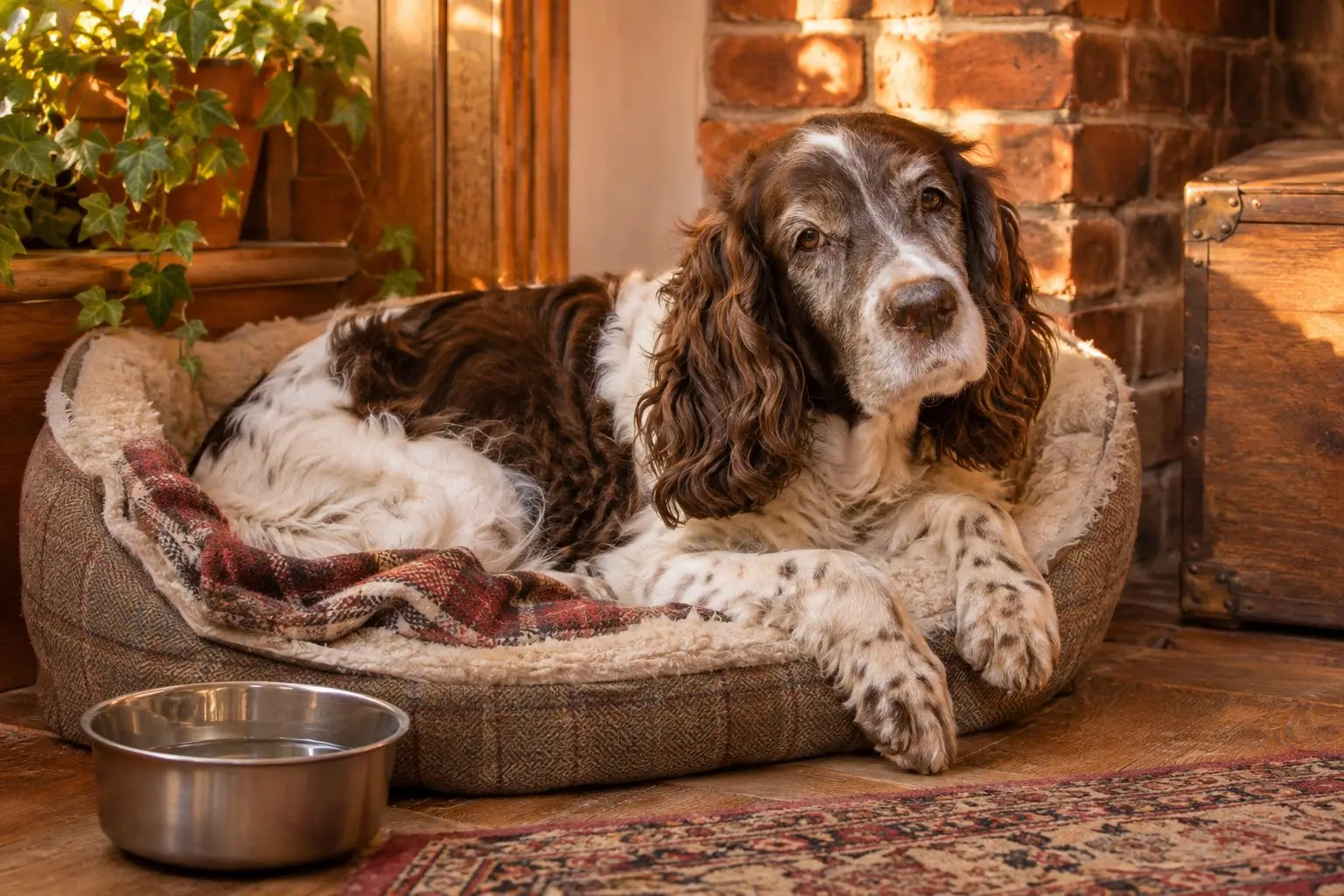
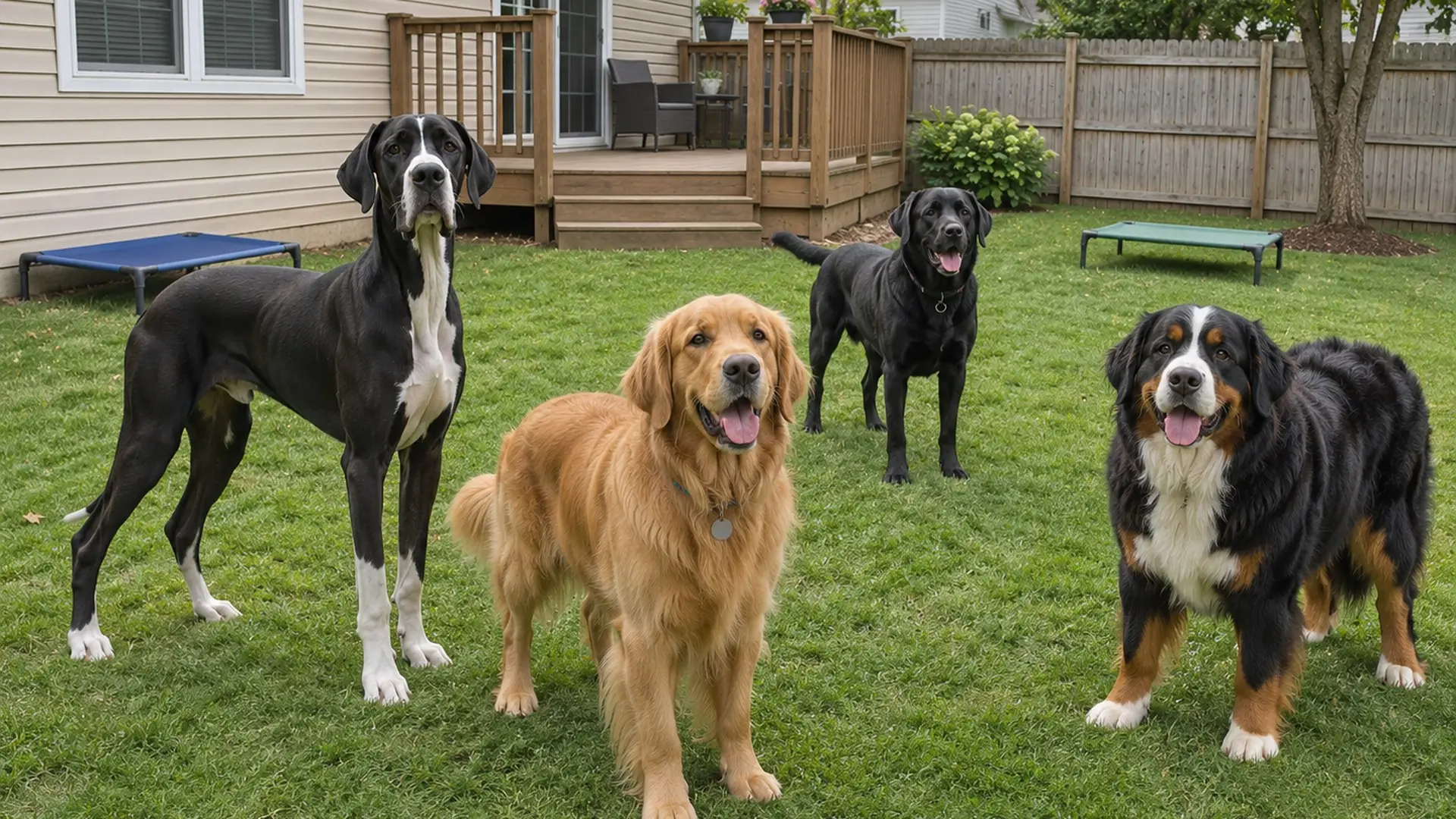
Dog photos on this site are AI-made samples.
Questions
Does each walker need their own sign-in?
Yes. Each walker signs in to see assigned visits and openings the business offers them.
What if there is no signal on the walk?
Your phone keeps supported walk updates while offline. Tap Send report to queue the card until End syncs, or review and send the card after reconnecting.
Can I read the report card my client got?
Yes. Open the finished walk and tap See the report card.
Can a walk have a video?
Yes, on Ultra. Short clips go on the report card and are kept for 90 days.
Works with
READY WHEN YOU ARE