See who owes. Get it settled.
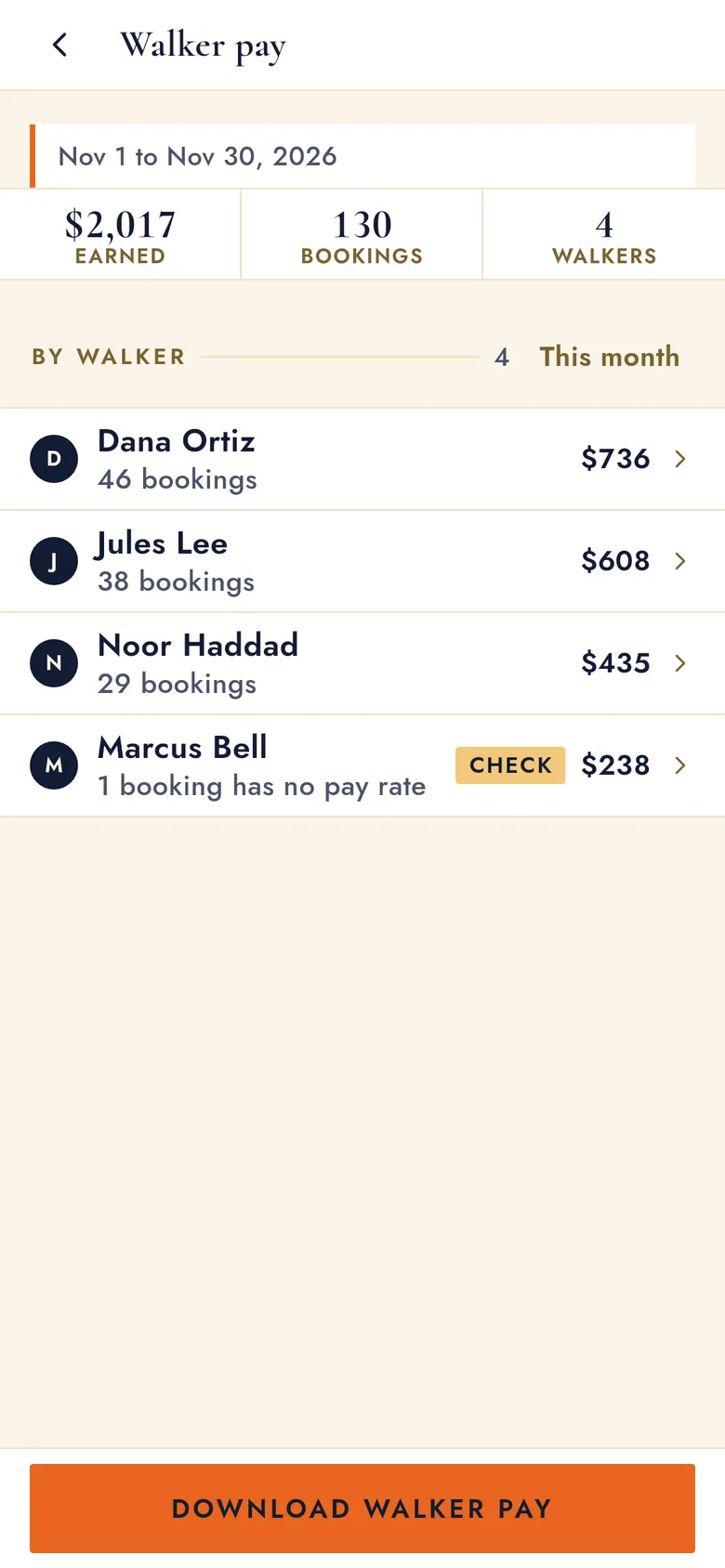
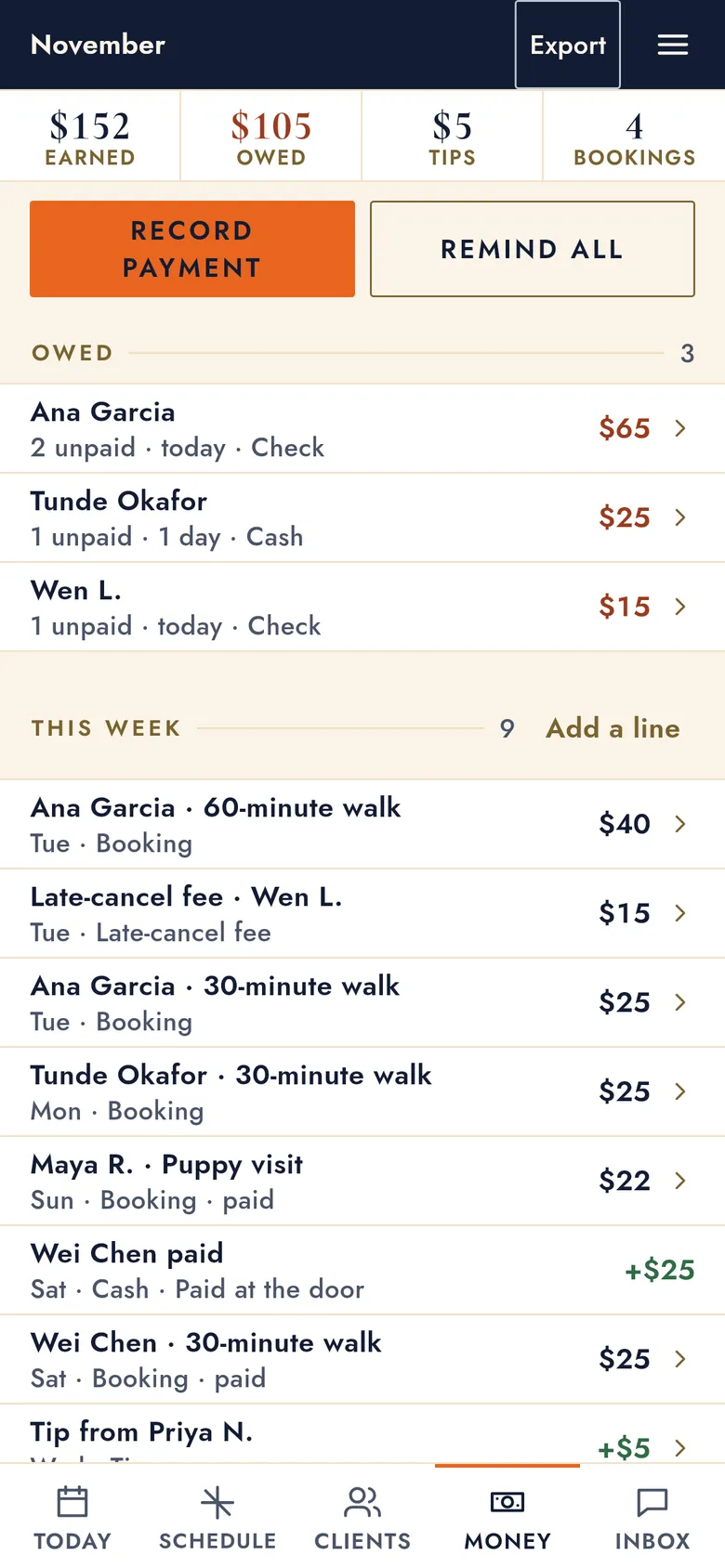
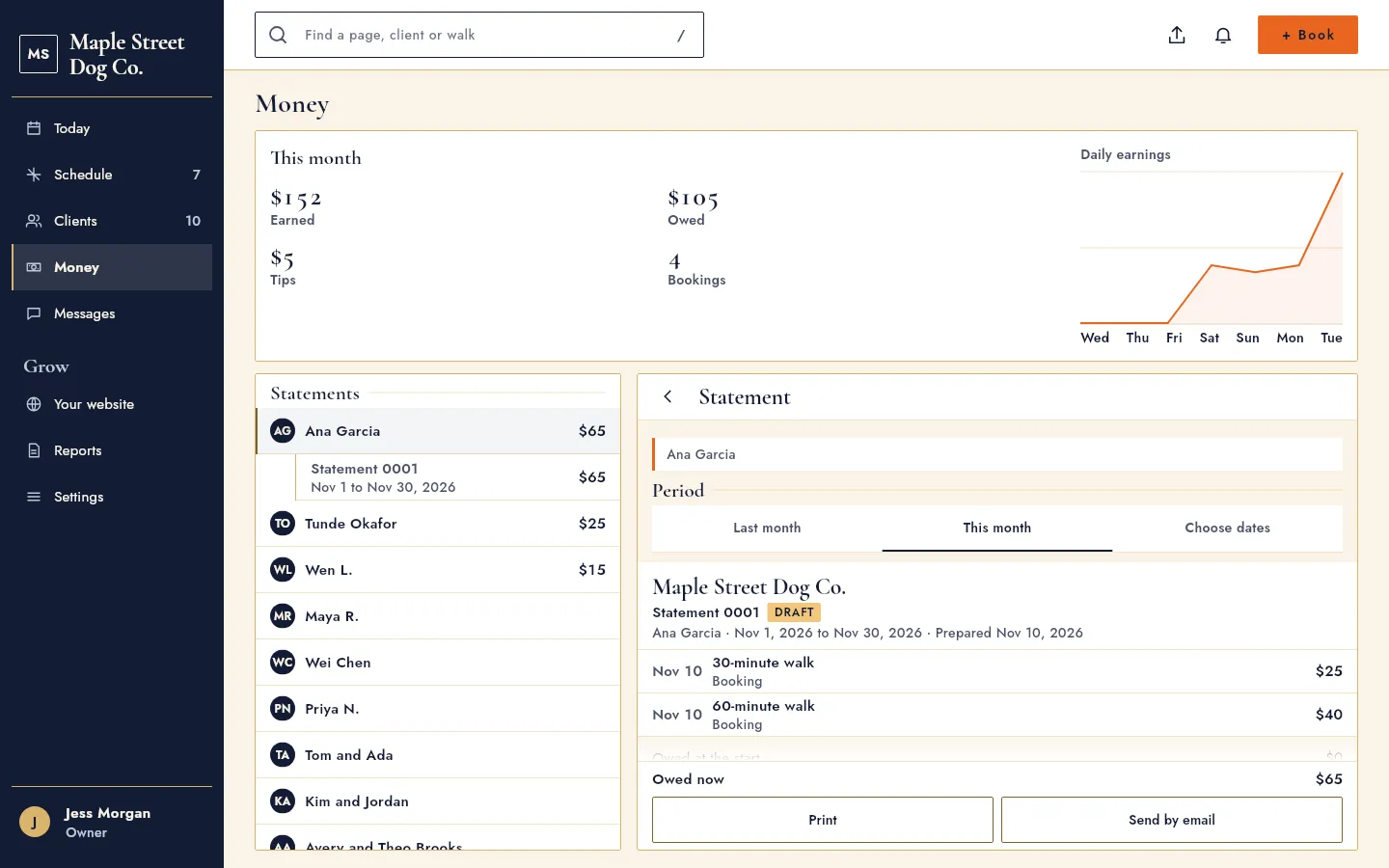
See what you earned and what is owed. Send a bill, send a reminder to anyone who owes, and mark a payment in a couple of taps.
- One look at your moneyEarned and owed, side by side.
- No awkward chasingReminders go out from the app.
- Your clients pay youWe take no cut of your payments.
How it works
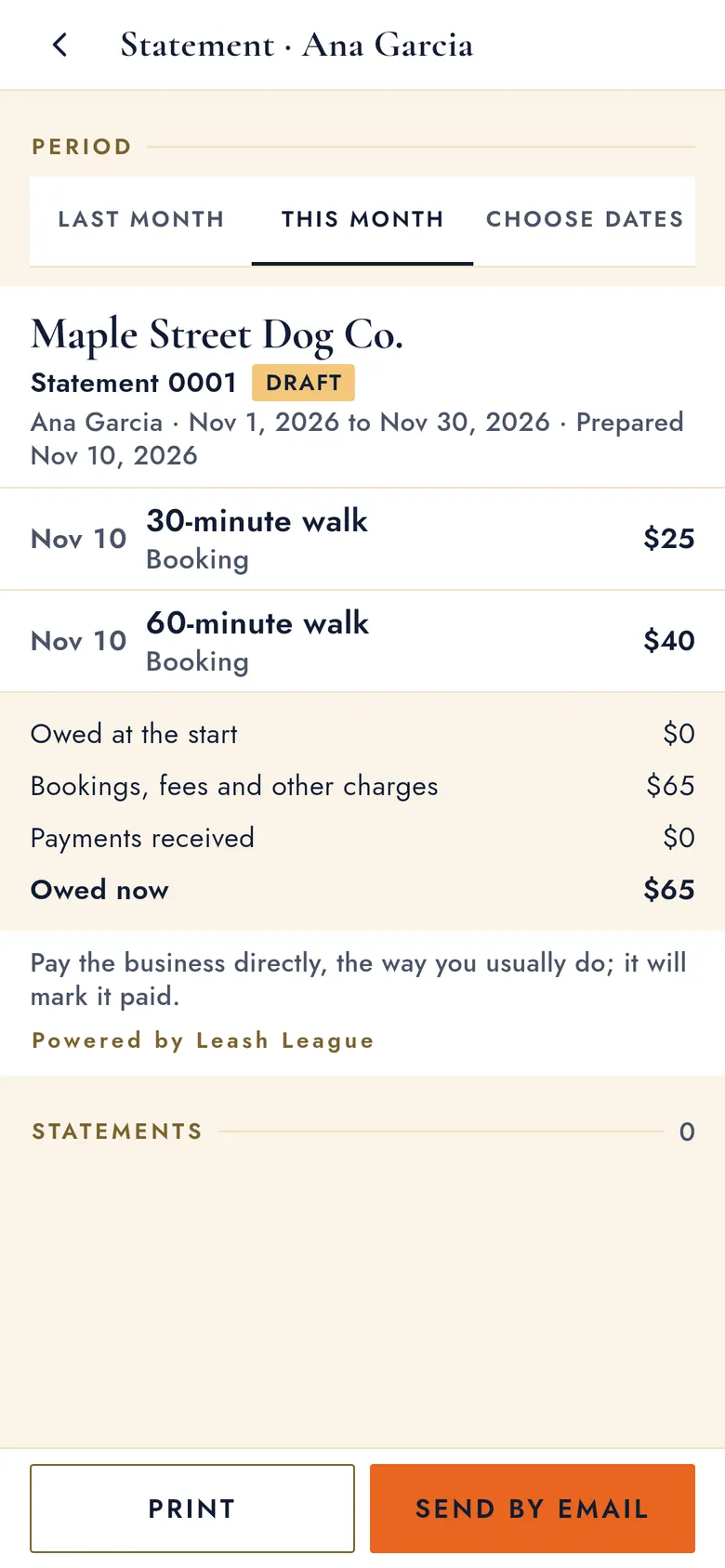
Your client’s side
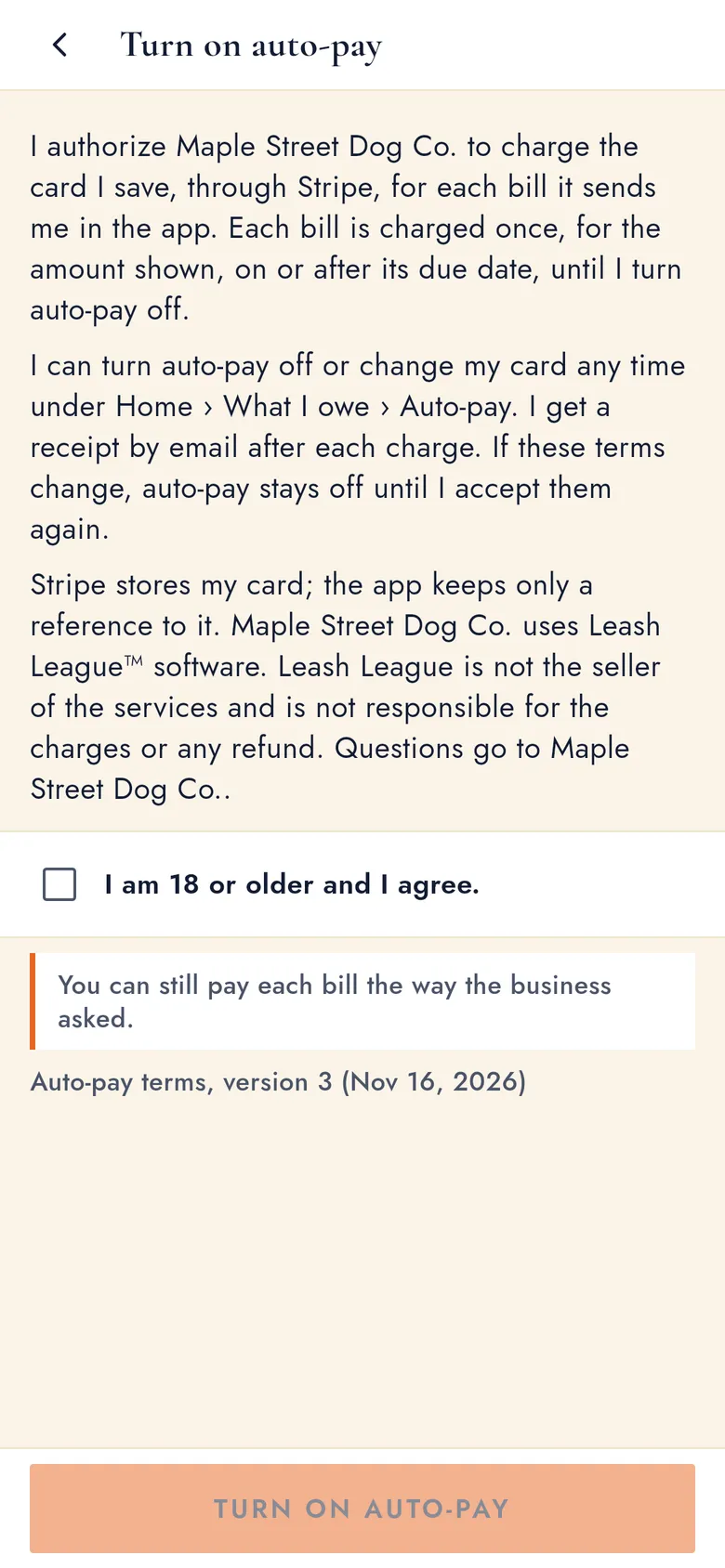
Pay each bill, or let it pay itself.
Clients see their bills in their own app and can pay each one, or turn on auto-pay.
Who paid and who owes, at a glance.
Bills and payments in your browser too, the same business you carry on your phone. Nothing to download.
Questions
- Can I fix a bill after sending it?
- Yes. Correct the bill and the client sees the new one.
- Can I record a cash or check payment?
- Yes. Mark it paid in Money.
- Do you take a cut of what I'm paid?
- No. We take no cut of your payments. Read more about this question
Works withQuickBooksMonthly summary
Next featureAuto-payClients can have the card on file charged for each bill.Every dog makes the team.
Give Leash League a spot on yours. We’ll earn it.
Built from the ground up to be easy for you and every client.
Join the waitlist